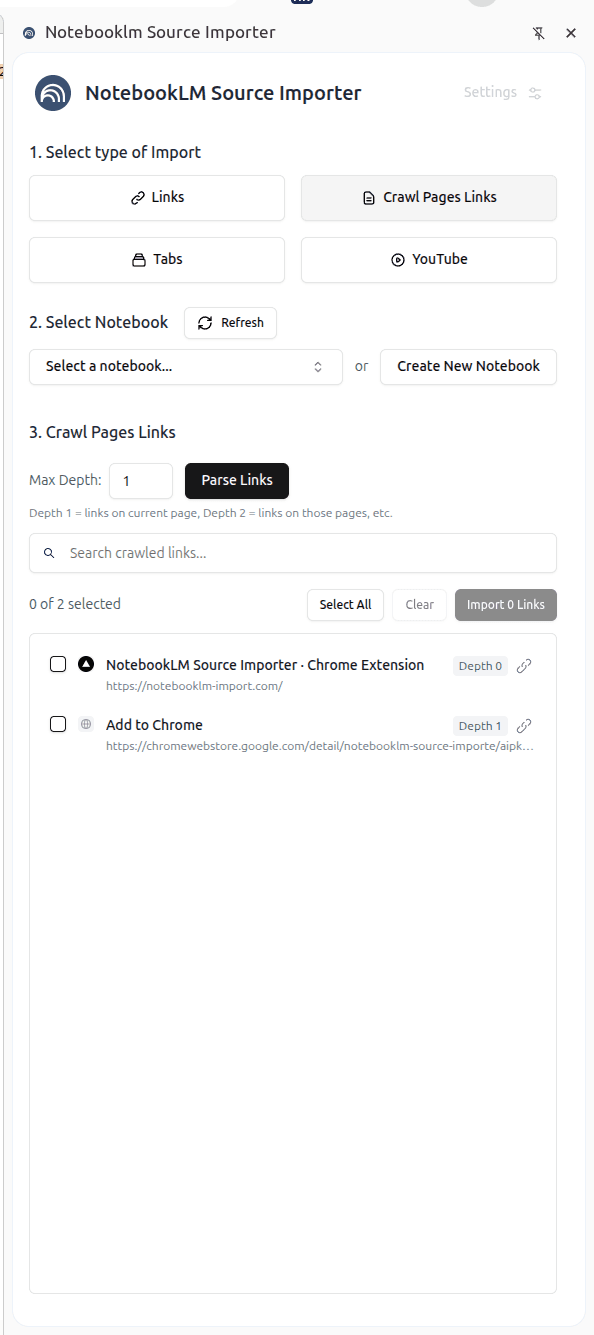
How it works
- 1) Install the Chrome extension
- 2) Click the extension icon
- 3) Import sources
The Best Chrome Extension for NotebookLM
NotebookLM Source Importer is the fastest way to add sources to Google NotebookLM. Import links, crawl page links, add browser tabs, or import YouTube videos - all with one click. Perfect for researchers, students, and professionals who use NotebookLM for AI-powered note taking and research.